 After Hours Dev Studio

Fiber Field Kit
Offline field reference for fiber technicians
Support
Something wrong, or a tool you want added? Email hello@afterhoursdevstudio.com.
If you are reporting a wrong number, include the cable construction or the inputs you used. That makes it reproducible, and reference bugs get fixed first.
What it does
Color code
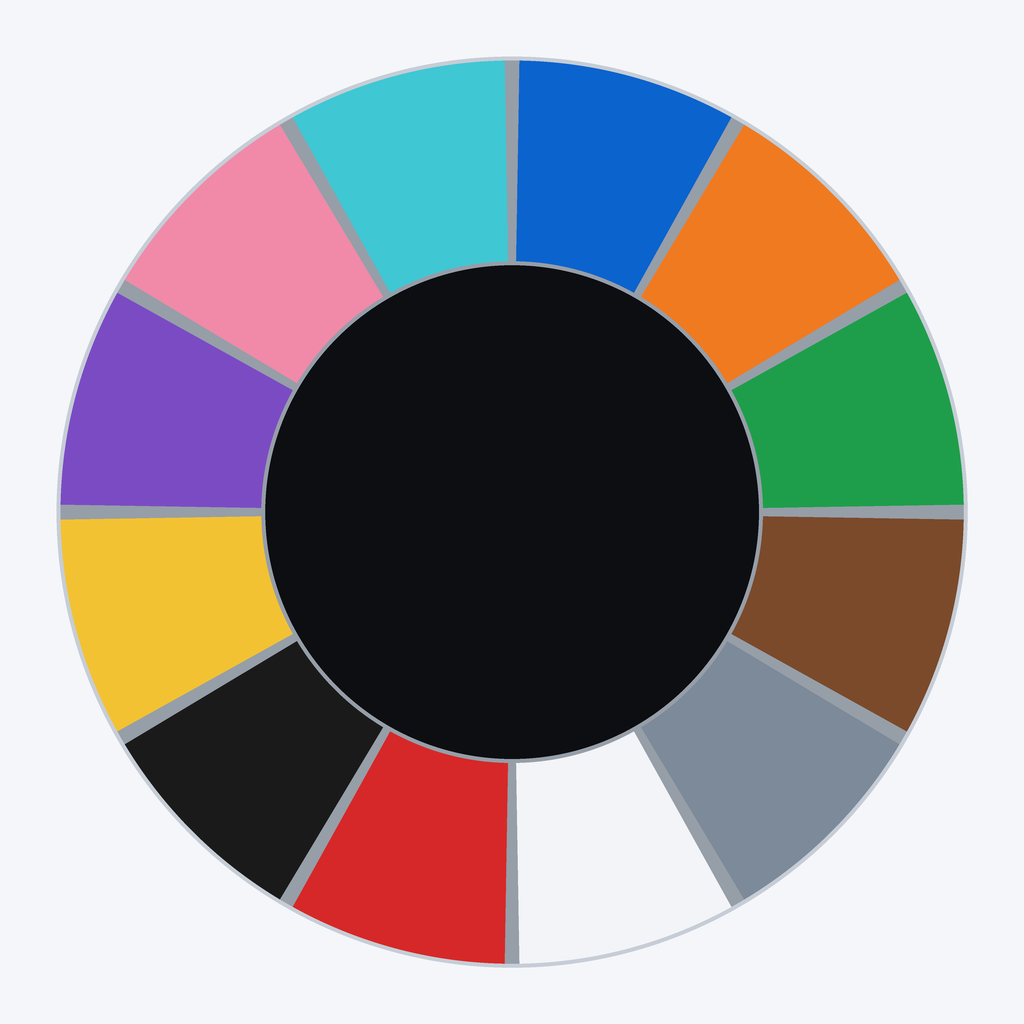
Strand number to buffer tube and fiber color, and back. 12F to 1728F, loose tube and ribbon, plus custom constructions.
Loss budget
Itemized plant loss against TIA-568 allowances you can edit. Add transceiver figures for a pass/fail and the span the budget reaches.
Optical power
dBm to mW, µW and nW. Two meter readings to loss in dB.
PON split
Splitter insertion loss for 1:2 through 1:128, checked against the Class B+ and C+ windows.
Conduit fill
NEC Chapter 9 fill percentage, largest complying cable count, and jam ratio.
Where the numbers come from
Every figure in the app is traceable, and the app tells you when it is at the edge of what a standard defines:
- Color code follows the TIA-598-D twelve-color sequence. Past three passes through that sequence, buffer tube marking is manufacturer-specific — the app says so rather than inventing a color.
- Loss budget presets are TIA-568 maximum allowances. That is the right basis for designing a budget and higher than a healthy measured trace. Edit any allowance and the app stops citing the standard.
- PON class windows are ITU-T G.984.2 Class B+ and C+. Both ends of the window are checked, so a drop with too little loss is flagged as a receiver overload instead of a pass.
- Conduit fill uses NEC Chapter 9, Table 1. It asks for a measured inside diameter because the same trade size differs across EMT, Schedule 40 and Schedule 80.
The app is a reference tool, not a substitute for your own spec, your engineer of record, or the authority having jurisdiction. Verify before you cut.
Privacy policy
Fiber Field Kit collects nothing.
- No account, no sign-in, no email required.
- No analytics, no crash reporting, no advertising SDK.
- No network requests. The app works fully with the radio off.
- Anything you enter stays on your device. It is never transmitted, and the developer cannot see it.
Because nothing is collected, there is nothing to request, correct, or delete. Removing the app removes everything it stored.
Apple collects its own download and crash statistics through the App Store, which the developer sees only in aggregate and which is governed by Apple’s privacy policy, not this one. Questions: hello@afterhoursdevstudio.com.